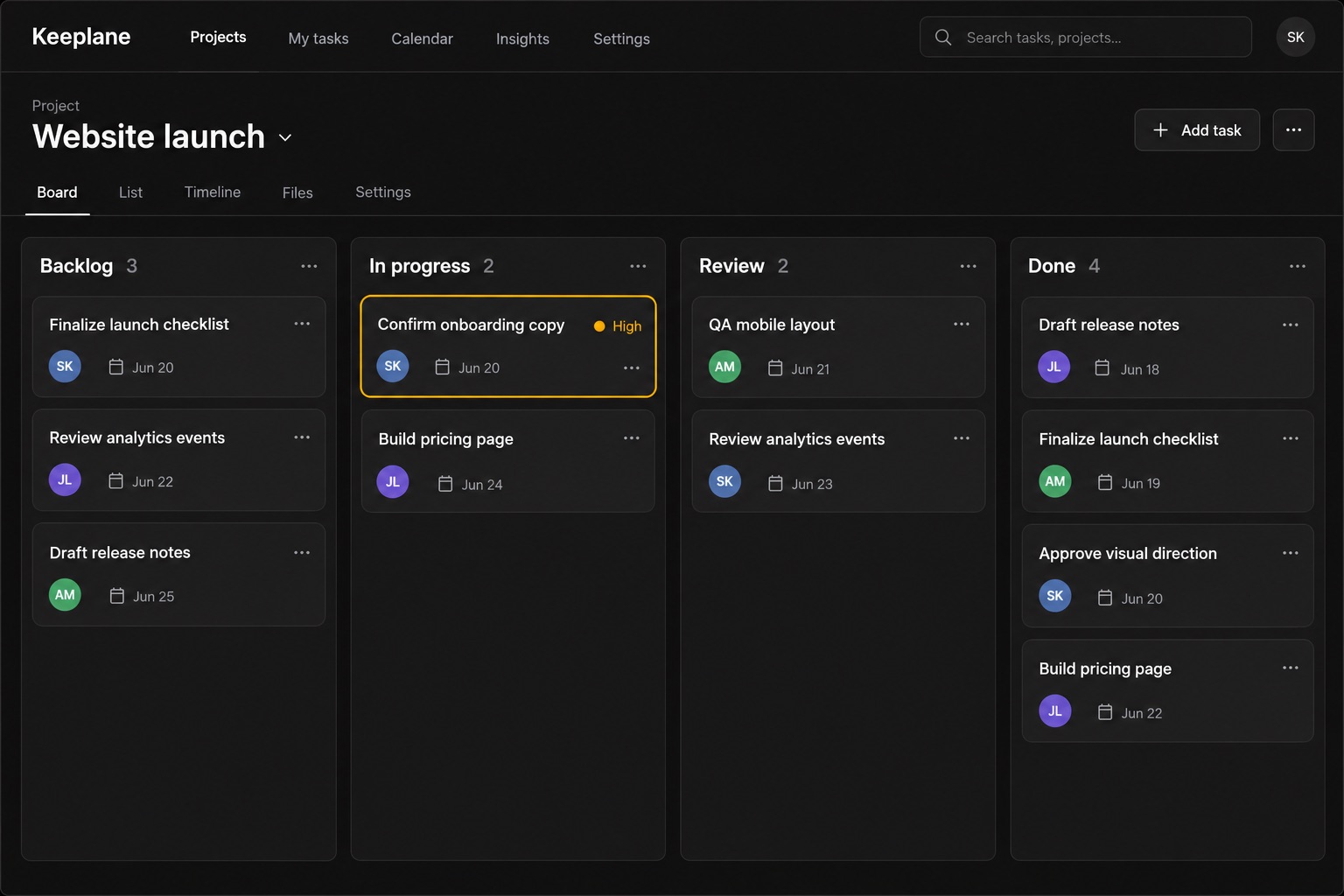
Tasks your team actually updates
Move a card and everyone sees the new status. Nobody copies progress into a spreadsheet again.
Keeplane gives growing product teams one calm place to plan tasks, see deadlines, share updates, and keep the files that move work forward.
Most teams keep tasks in one app, status in a document, and deadlines in a spreadsheet. Keeplane keeps all three in the same plan, so nothing goes out of date.
Move a card and everyone sees the new status. Nobody copies progress into a spreadsheet again.
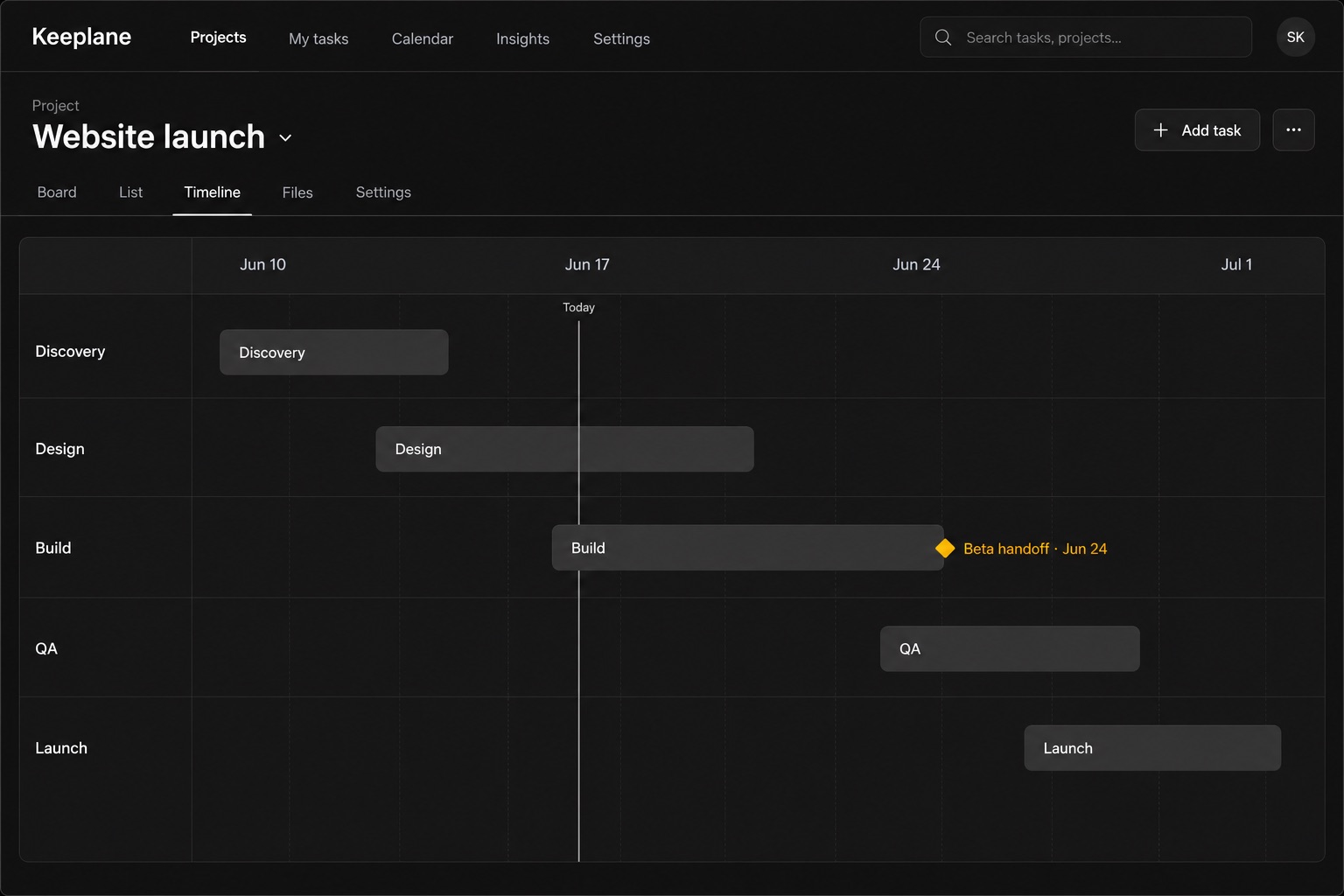
Milestones sit on one timeline, so a slipping task shows up while there is still time to move it.
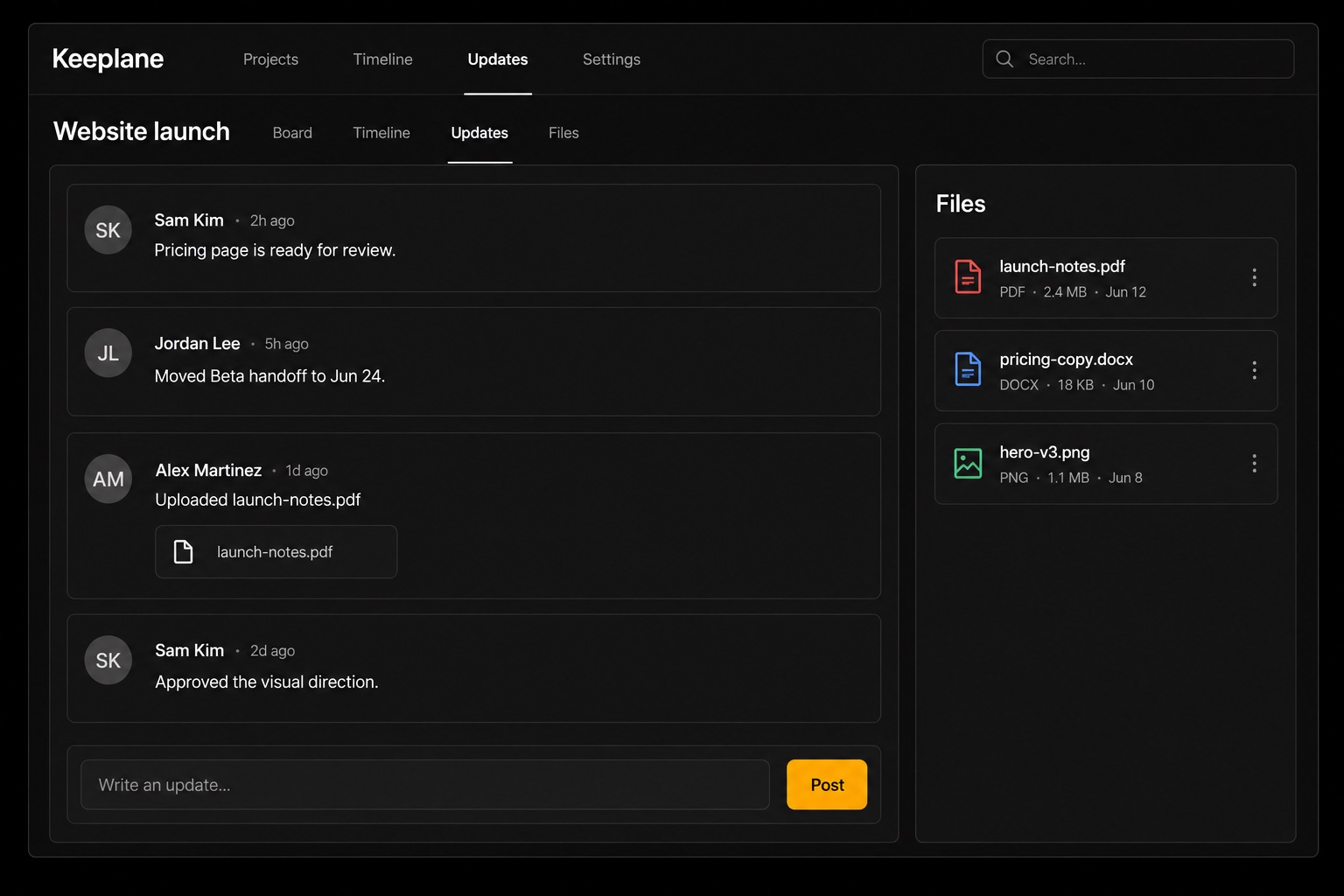
Updates, files, and decisions stay on the task, so the weekly check-in becomes a five-minute read.
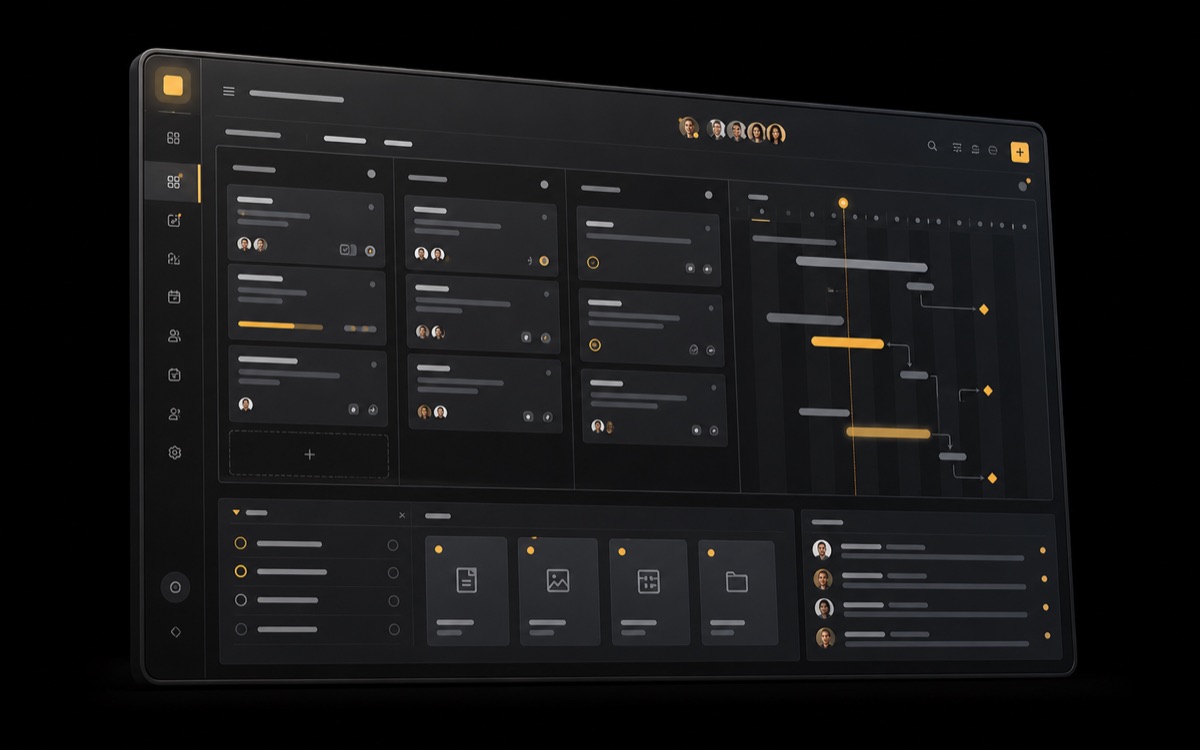
Six tools share the same data, so a change in one shows up everywhere else.
Set your own stages, from Backlog to Done, and see every task at a glance.
Plan milestones and see how one delay moves the work that depends on it.
Post progress on the task itself, with mentions and replies in one thread.
Attach briefs, designs, and documents to the task they support.
See who already has too much on their plate before you assign the next task.
Connect your chat, calendar, and code tools so updates reach the plan on their own.
From a two-person studio to a product group with ten squads.

Plan releases and keep design, engineering, and QA on the same board.

See every project’s status and next deadline without asking anyone for an update.

Run client projects side by side and share progress without exporting slides.
Start free. Upgrade when you need more projects or more people.
$0 forever
For trying Keeplane on a real project.
$8 per user, per month, billed yearly
For teams running several projects at once.
Custom for 50+ members
For organizations with security and admin needs.
Prices in US dollars. Cancel any time.
Guides and templates written by the team that builds Keeplane.
Set up your workspace, invite your team, and plan your first project.
Read the guideStart from ready plans for product launches, sprints, and client work.
Browse templatesSee the latest features and fixes, published every two weeks.
Read the changelogYes. Import tasks from a CSV file or paste a list, and Keeplane turns each row into a card.
Most teams plan their first project in under an hour. Templates cover launches, sprints, and client work.
Yes. The Free plan includes up to three projects and five members, with no time limit.
Only the people you invite. The Business plan adds single sign-on and an audit log.
Yes. Monthly plans end at the next billing date, and you can export all of your data first.
Still deciding? Talk to our team.
Free for up to three projects. No credit card required.
Start planning free