'%3e%3cpath%20d='M130.603%2013.3589H136.102L128.849%2033.283C126.777%2039.0211%20123.39%2041.5315%20118.329%2041.2526V36.4708C121.159%2036.5107%20122.593%2035.3152%20123.55%2032.6454L115.381%2013.3589H120.999L126.18%2026.7479L130.603%2013.3589Z'%20fill='%230A1742'/%3e%3cpath%20d='M105.839%2012.8013C111.179%2012.8013%20115.562%2017.3838%20115.562%2023.3212C115.562%2029.2585%20111.179%2033.8411%20105.839%2033.8411C102.93%2033.8411%20100.818%2032.7652%2099.3839%2030.9321V41.2528H94.2435V13.3591H99.3839V15.7102C100.818%2013.8772%20102.93%2012.8013%20105.839%2012.8013ZM104.883%2028.9397C108.071%2028.9397%20110.422%2026.6684%20110.422%2023.3212C110.422%2019.9739%20108.071%2017.7026%20104.883%2017.7026C101.735%2017.7026%2099.3839%2019.9739%2099.3839%2023.3212C99.3839%2026.6684%20101.735%2028.9397%20104.883%2028.9397Z'%20fill='%230A1742'/%3e%3cpath%20d='M85.1952%2033.283V4.19385H90.3356V33.283H85.1952Z'%20fill='%230A1742'/%3e%3cpath%20d='M77.5456%2033.2833L75.872%2028.2625H64.7544L63.0807%2033.2833H57.1434L66.9062%205.38965H73.7202L83.5228%2033.2833H77.5456ZM66.5077%2023.122H74.1585L70.3331%2011.7255L66.5077%2023.122Z'%20fill='%230A1742'/%3e%3cpath%20d='M25.2662%200L44.5701%2033.0709L40.1703%2040.6093H26.2622L24.2824%2037.9802L27.8868%2031.7539L29.8374%2034.3831H36.5951L37.36%2033.0697L22.282%207.23681L7.21493%2032.8776L8.37627%2034.8671H14.9357L24.9051%2018.0562L28.6408%2023.6598L18.511%2041.0933H4.80103L0%2032.8691L19.3136%200H25.2662Z'%20fill='%232255C2'/%3e%3c/g%3e%3cdefs%3e%3cclipPath%20id='clip0_687_5889'%3e%3crect%20width='137'%20height='42'%20fill='white'/%3e%3c/clipPath%3e%3c/defs%3e%3c/svg%3e)

'/%3e%3cdefs%3e%3clinearGradient%20id='paint0_linear_584_5815'%20x1='233.996'%20y1='0.0086576'%20x2='233.996'%20y2='467.998'%20gradientUnits='userSpaceOnUse'%3e%3cstop%20stop-color='%23B1A7FF'/%3e%3cstop%20offset='0.5'%20stop-color='%237A9DFF'/%3e%3cstop%20offset='1'%20stop-color='%233941FF'/%3e%3c/linearGradient%3e%3c/defs%3e%3c/svg%3e)

'%20/%3e%3c/svg%3e)

Alpy MCP workflow
Turn your vision into a clear direction for AI. Build on the styles, skills, and design system that Alpy MCP brings to your tools.
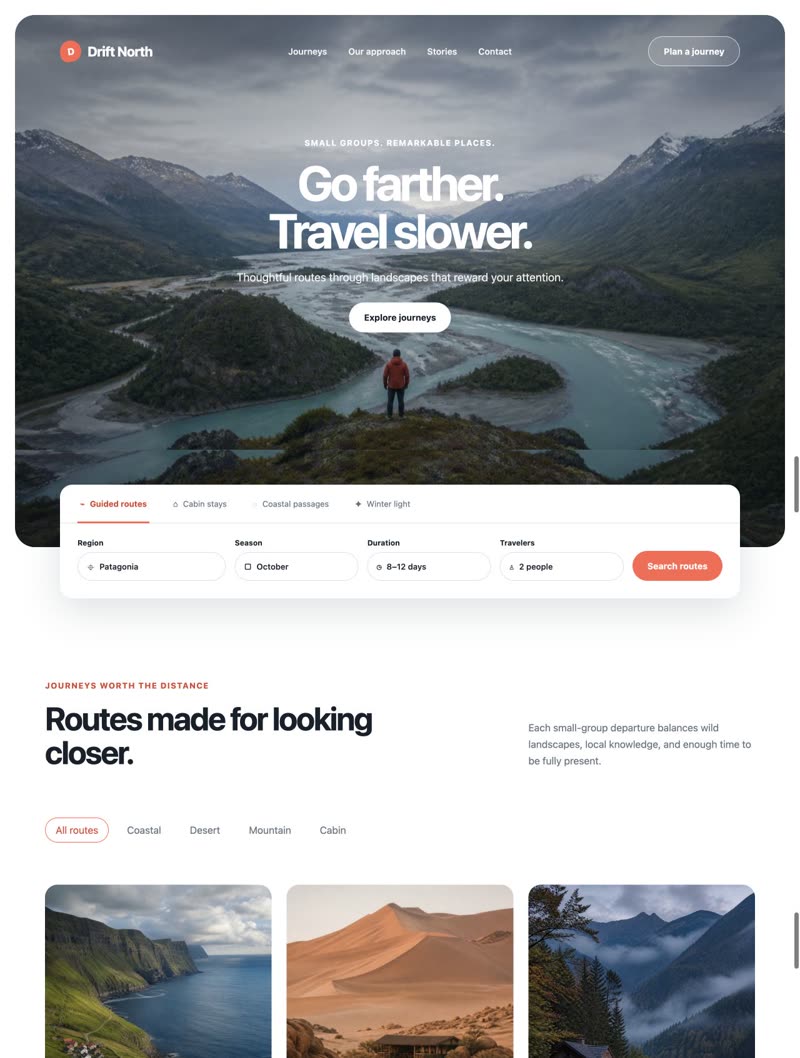
The AI defines Drift North’s audience, goals, brand promise, and information architecture before visual design begins.
Drift North information architecture
Purpose-led paths from discovery to journey planning- ✓User Experience
- ✓Website Design
Web design styles for every direction
Choose a style that fits your brand and audience. Each style includes guidance, components, tokens, and examples.
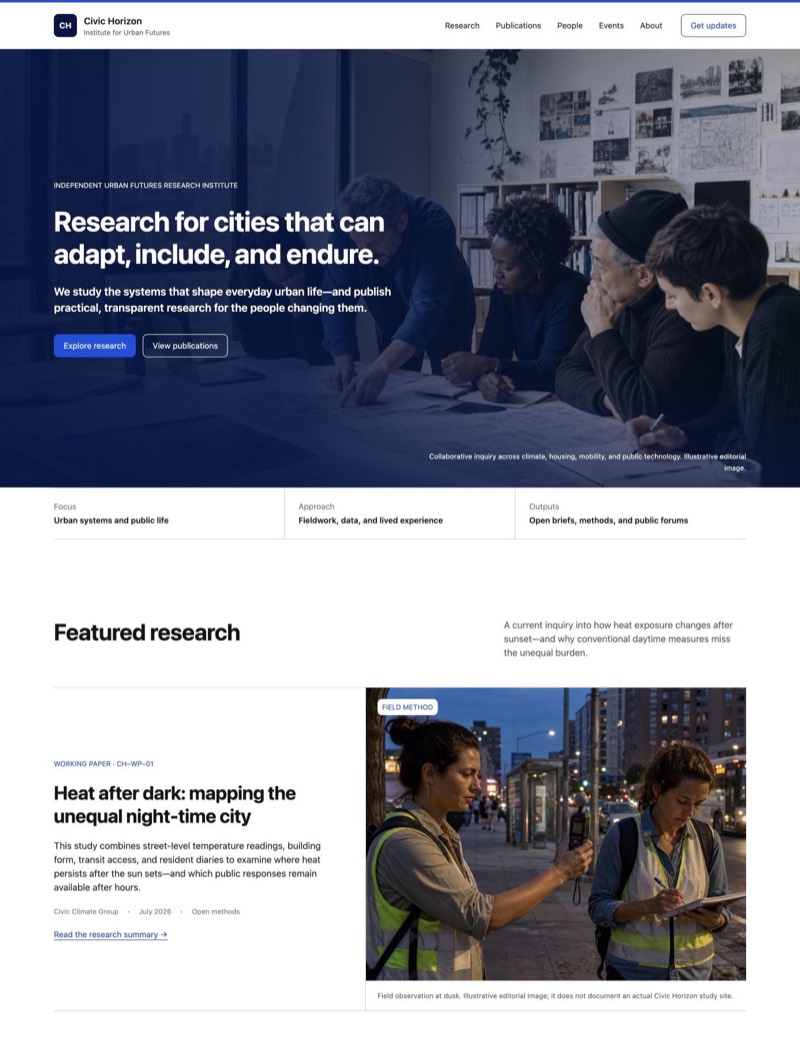 Build with Alpy TasteAcademiaDescribe a task…
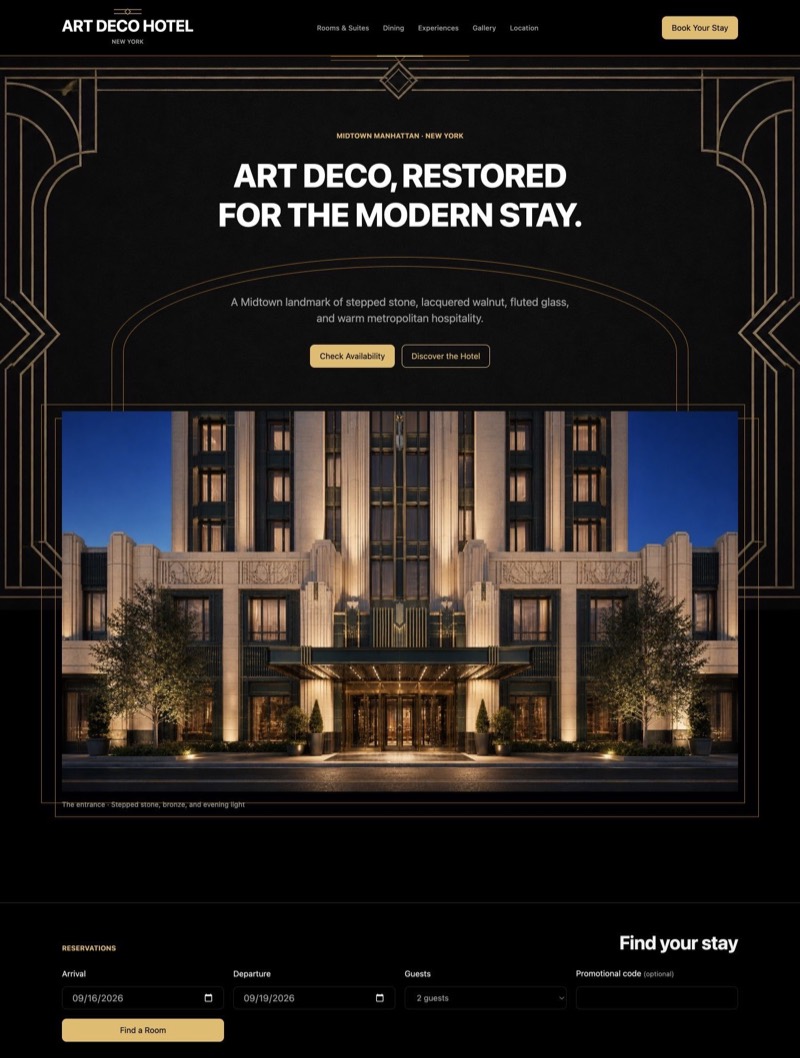 Build with Alpy TasteArt DecoDescribe a task…
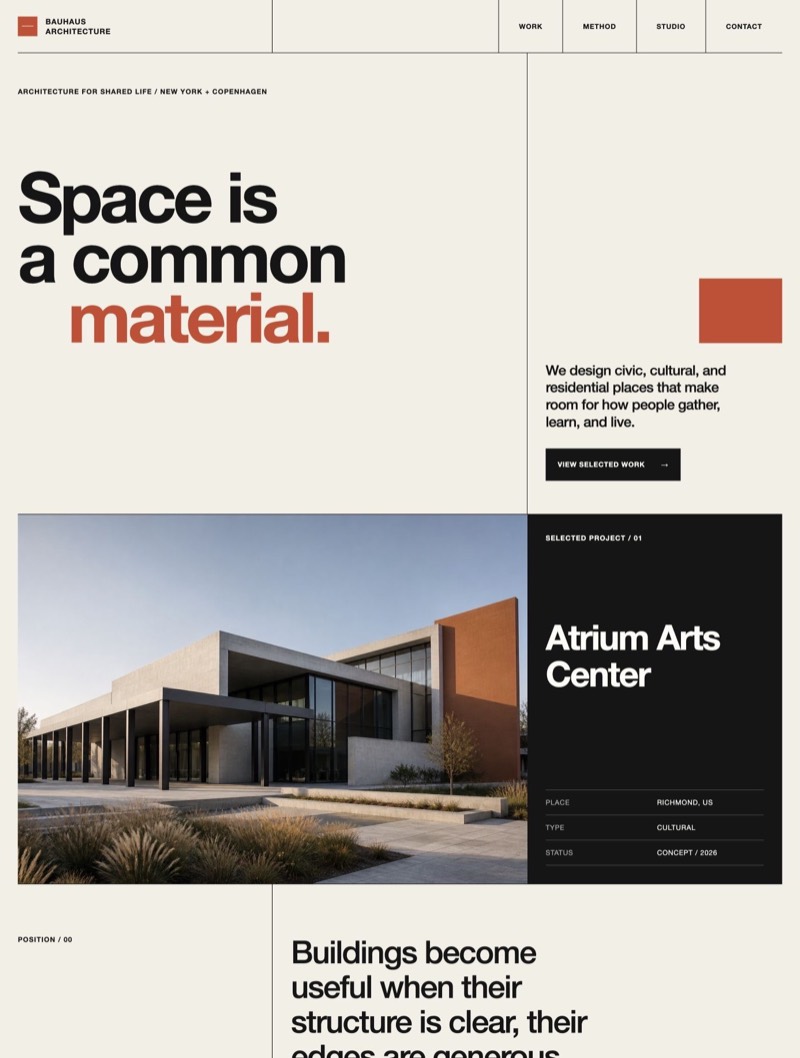 Build with Alpy TasteBauhausDescribe a task…
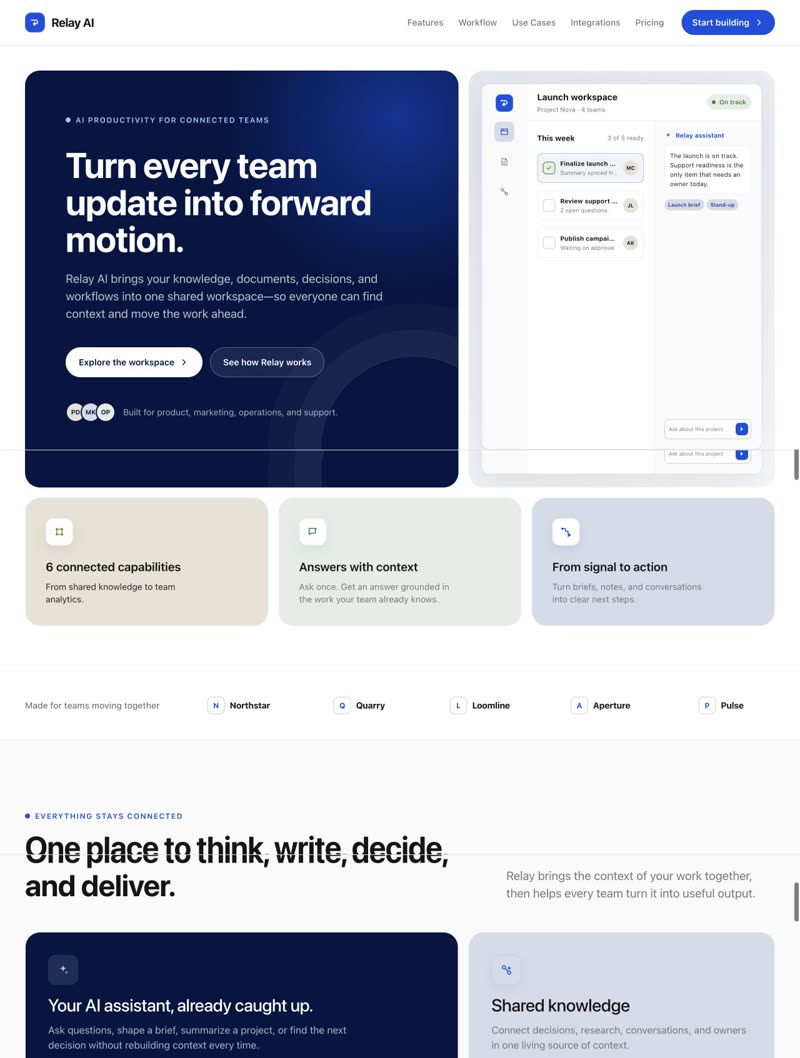 Build with Alpy TasteBento GridDescribe a task…
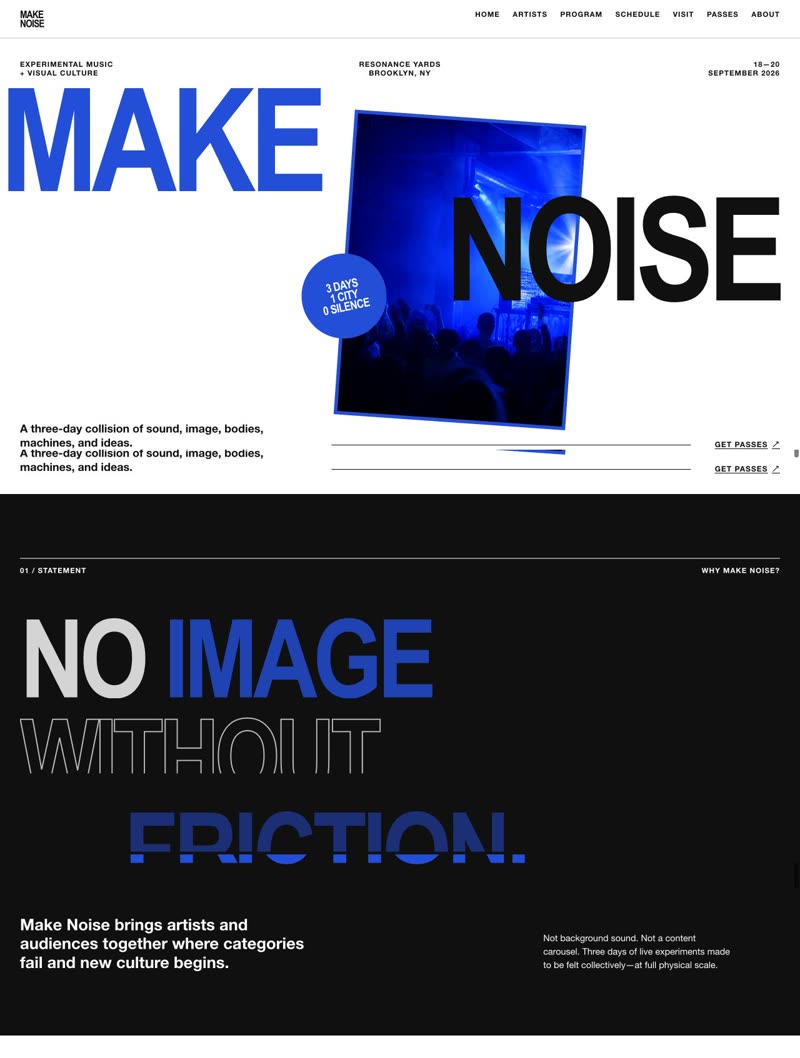 Build with Alpy TasteBold TypographyDescribe a task…
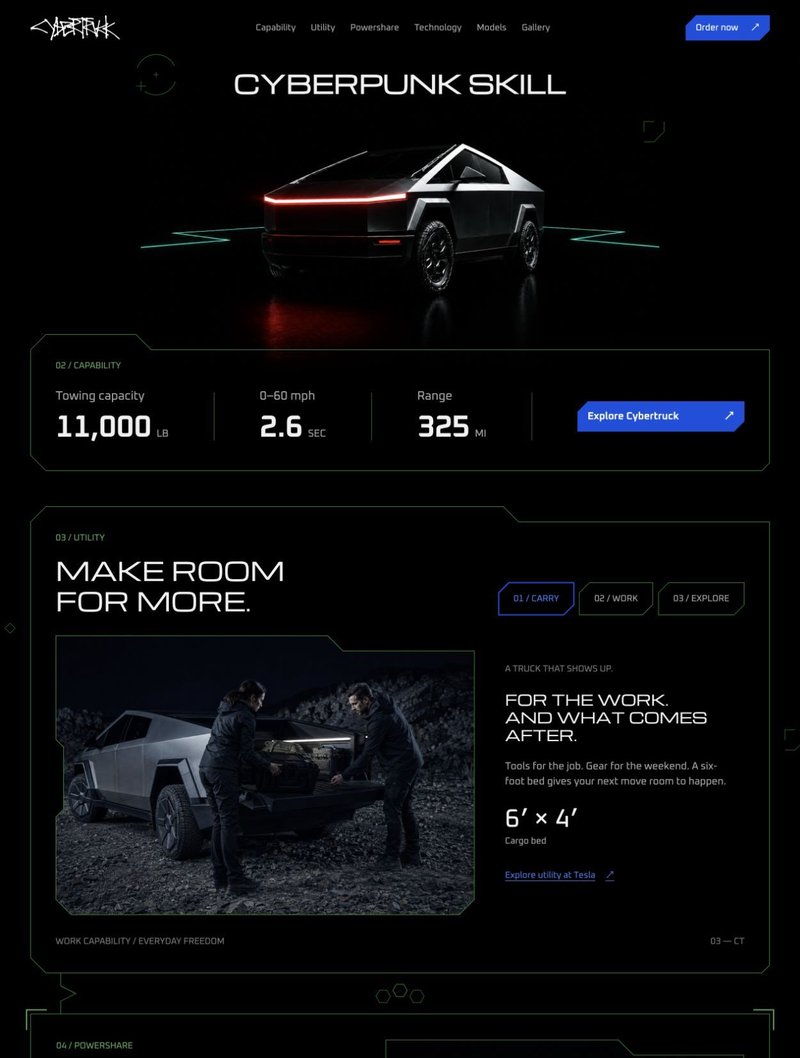 Build with Alpy TasteCyberpunkDescribe a task…
 Build with Alpy TasteFlat DesignDescribe a task…
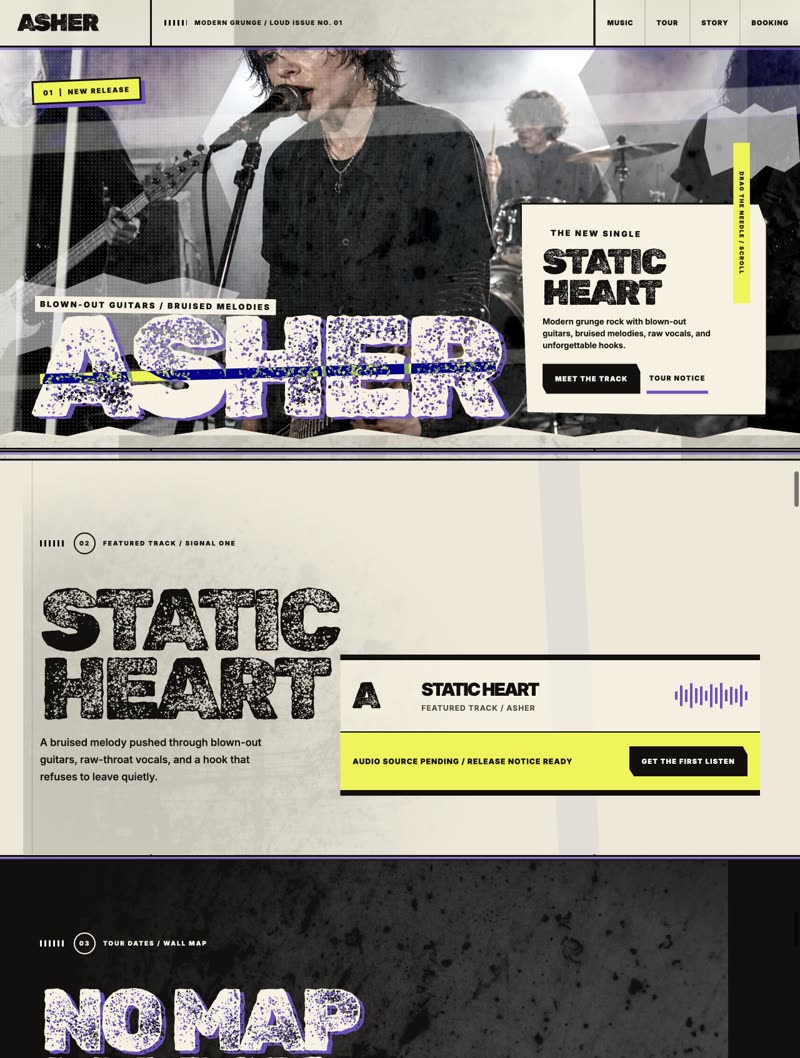 Build with Alpy TasteGrunge / PunkDescribe a task…
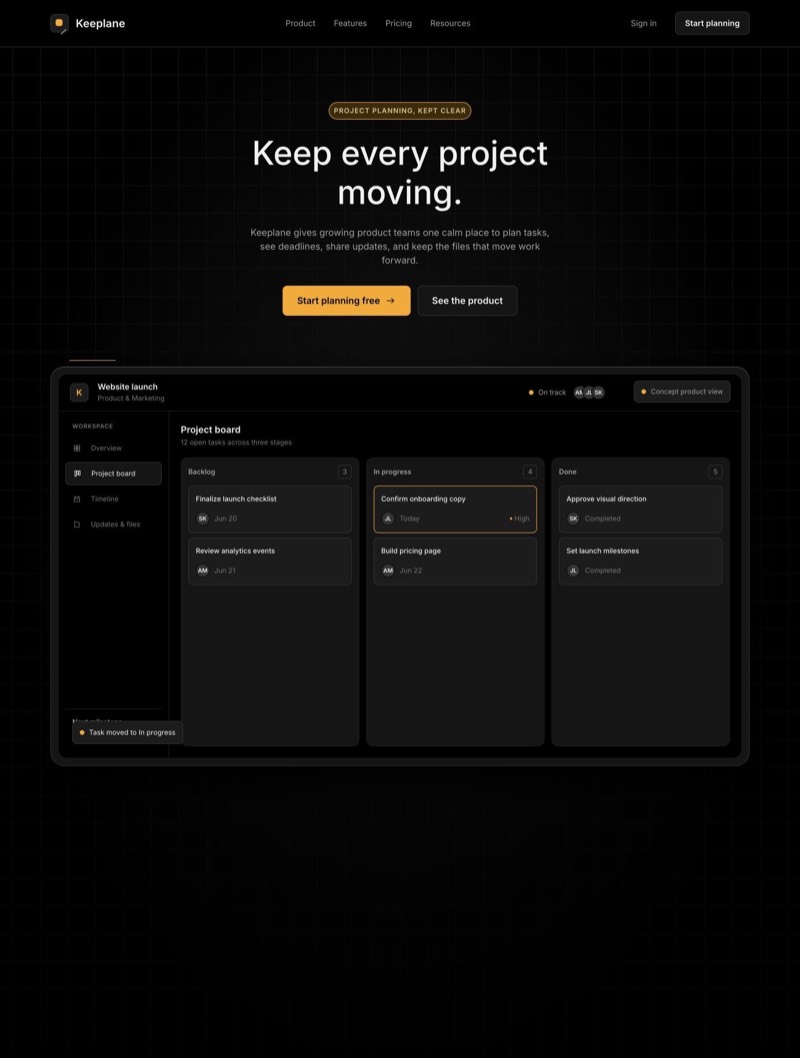 Build with Alpy TasteModern DarkDescribe a task…
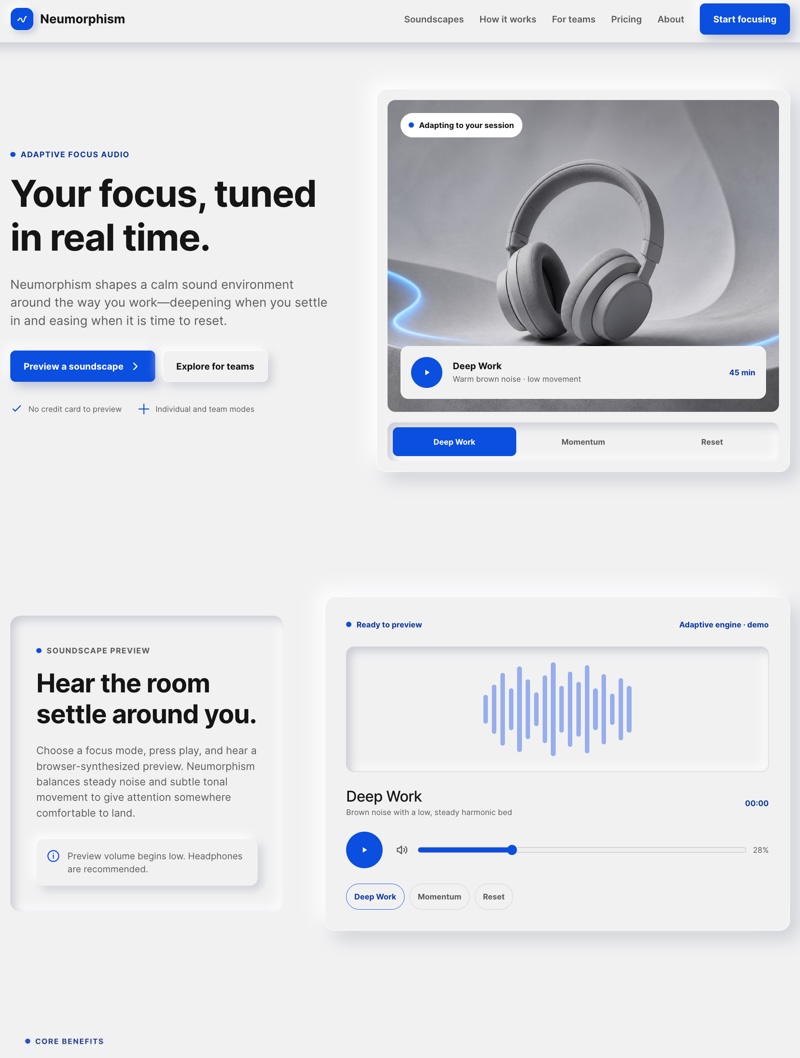 Build with Alpy TasteNeumorphismDescribe a task…
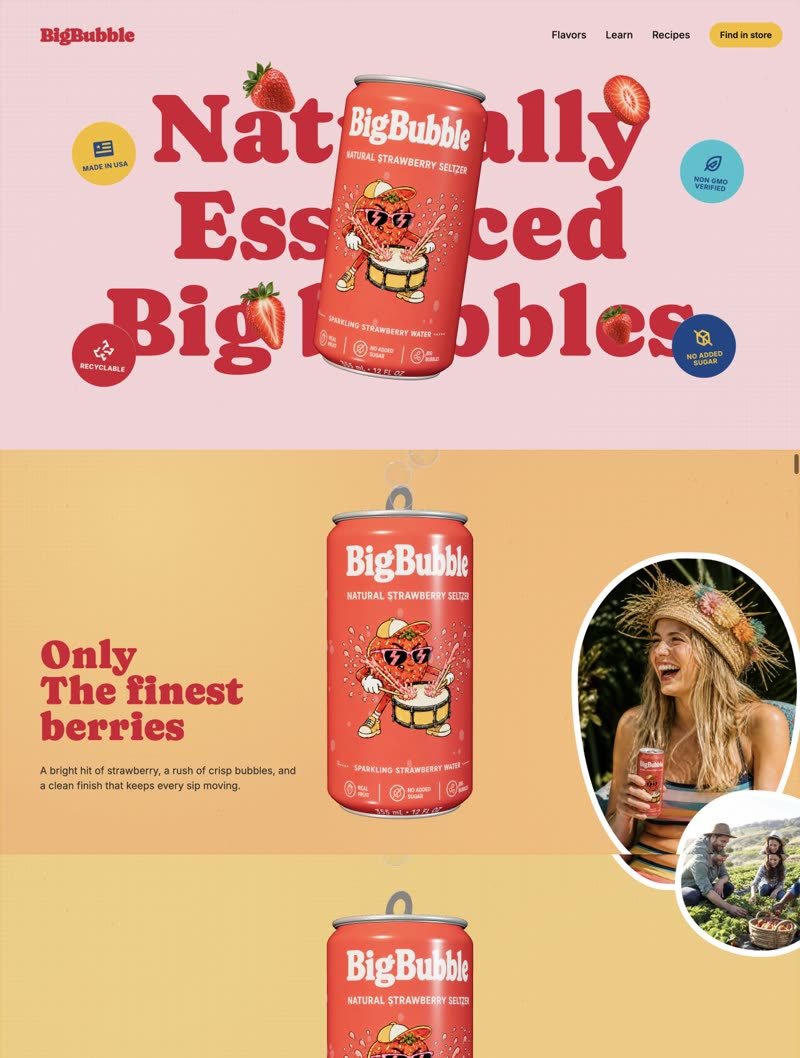 Build with Alpy TasteParallaxDescribe a task…
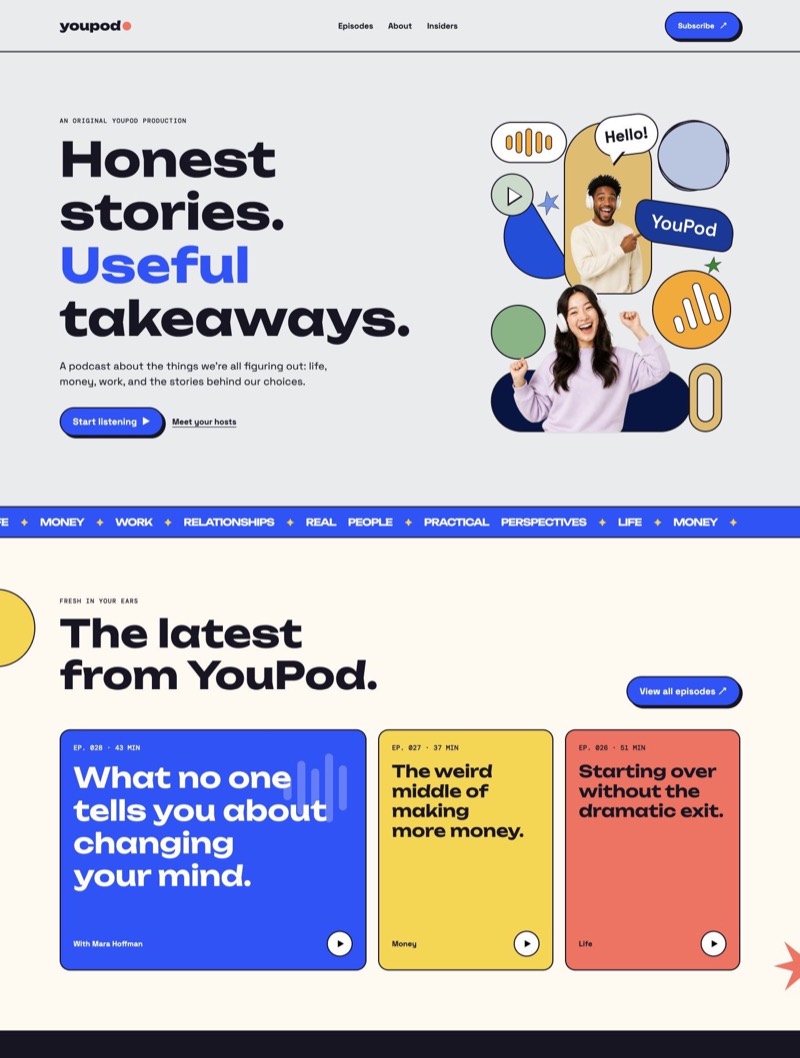 Build with Alpy TastePlayful GeometricDescribe a task…
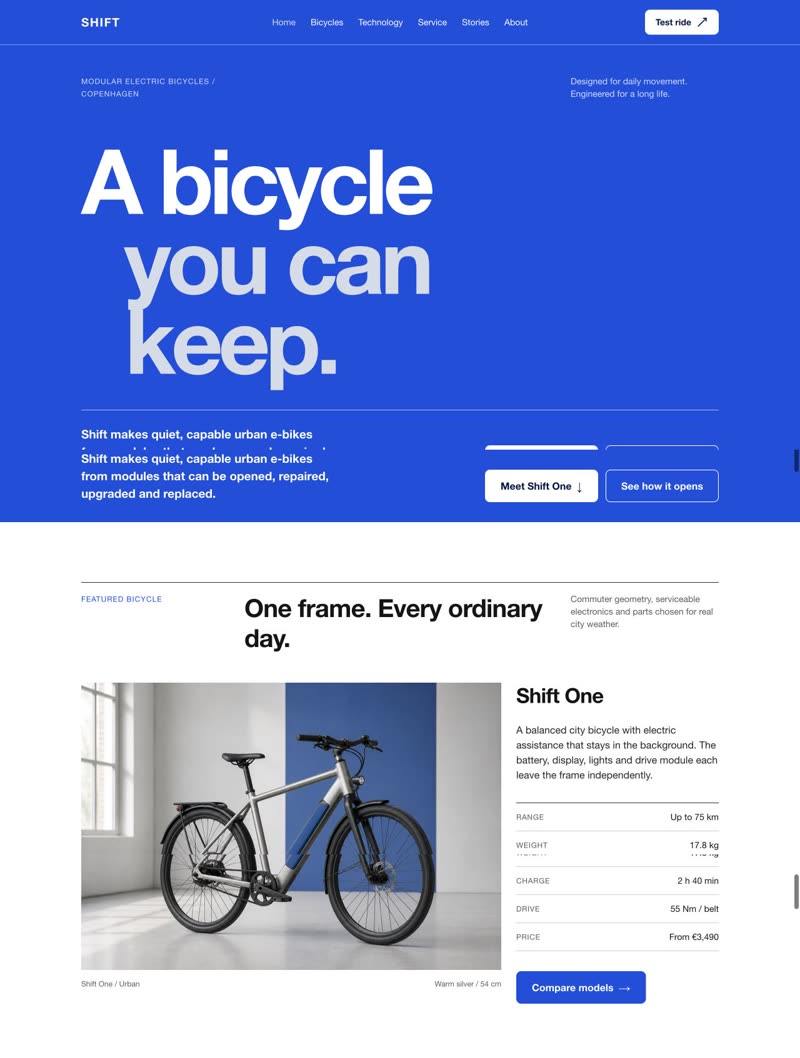 Build with Alpy TasteSwissDescribe a task…
Connect Alpy MCP to your AI tools.
Alpy MCP gives your AI tools access to your Alpy Library’s components, tokens, design skills, and web design styles, helping you design, build, and review consistent interfaces.
Give your AI the design direction and Alpy Library context to create thoughtful, on-brand experiences.
- Open Settings → Connectors.
- Choose Add → Add custom connector.
- Enter Alpy and paste the endpoint above.
- Select Add.
- Sign in to Alpy, choose a library, and select Connect.
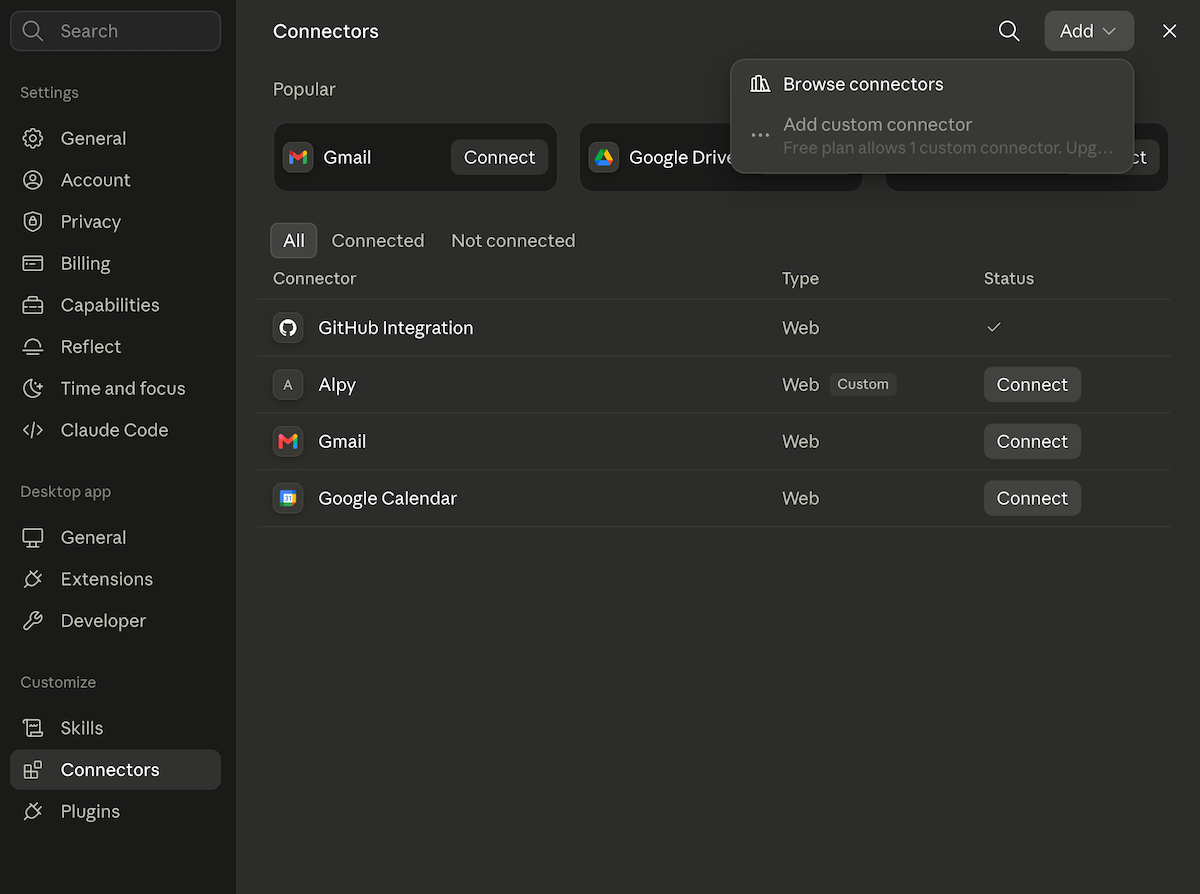
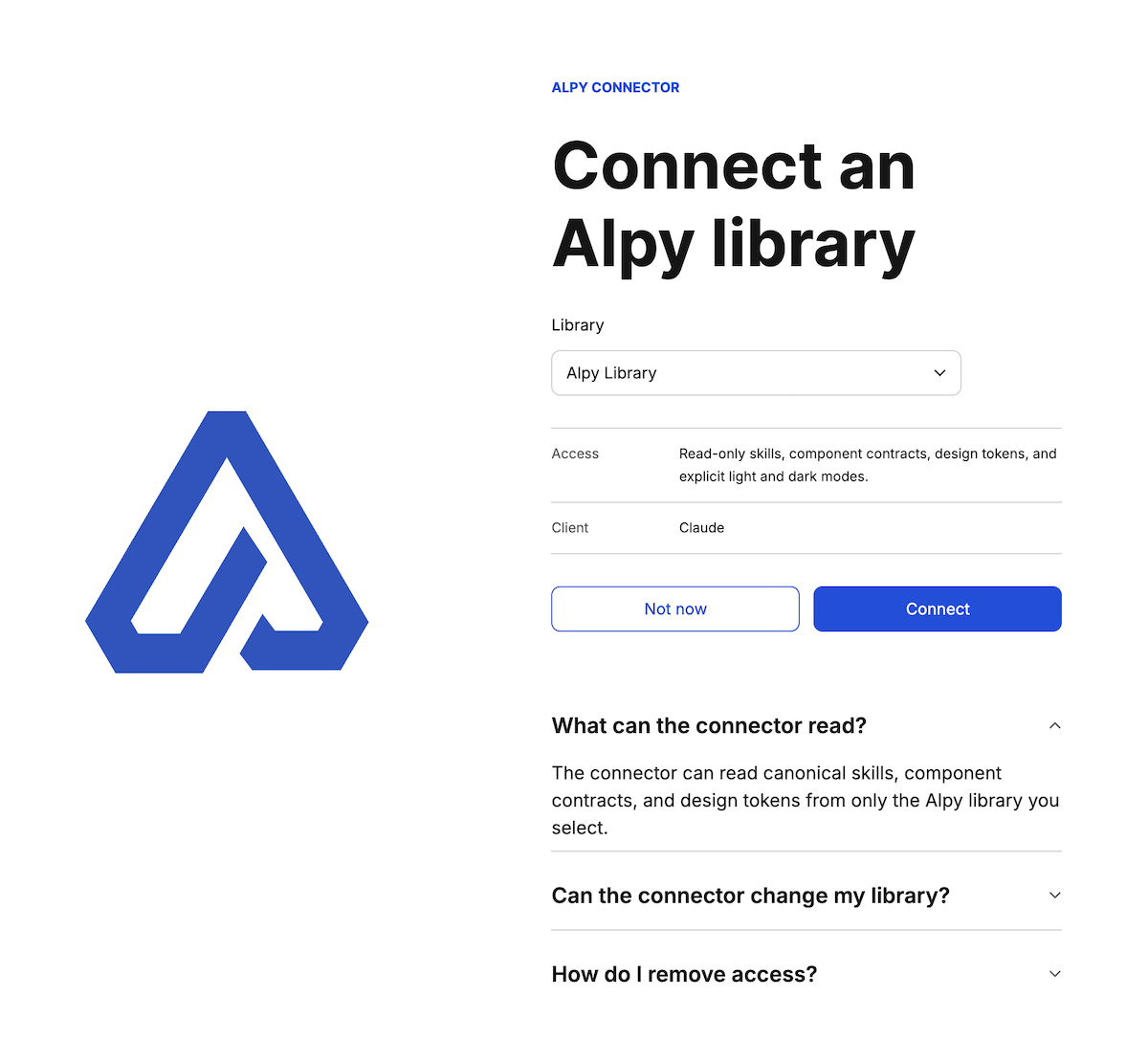
Your AI client opens Alpy’s secure sign-in and library-selection page. Choose a library and select Connect. You do not need to enter a Library Key or configure an Authorization header.
How to use it
- Design
- Turn ideas into polished websites, apps, pages, and flows.
- Build
- Create faster with your Alpy Library guiding every design decision.
- Improve
- Turn rough or generic work into intentional, finished experiences.
- Strengthen UX
- Make journeys clearer, actions easier, and feedback more helpful.
- Bring Your Brand to Life
- Carry your voice, personality, and visual character across every screen.
- Create Clearer Layouts
- Give content stronger hierarchy, balance, and focus.
- Visual Design
- Improve typography, color, spacing, contrast, and polish.
- Make It Work Everywhere
- Keep the experience clear across phones, tablets, and desktops.
- Guide Important Decisions
- Bring clarity to high-impact choices, reviews, and approvals.
- Audit Accessibility
- Find barriers that make experiences harder to see, understand, or use.
- Stay True to Your Design System
- Spot where the work drifts from your Alpy Library.